How to Capture Receipts from Any Webpage and Push to QuickBooks or Xero
Capture receipt data from e-commerce confirmations, SaaS billing pages, and supplier portals directly from your browser. Push extracted fields to QuickBooks or Xero instantly.
7 articles on finance automation

Capture receipt data from e-commerce confirmations, SaaS billing pages, and supplier portals directly from your browser. Push extracted fields to QuickBooks or Xero instantly.

Finance and AP teams process invoices faster with browser extensions. Five real workflows that eliminate manual data entry, reduce errors, and speed up payment cycles.

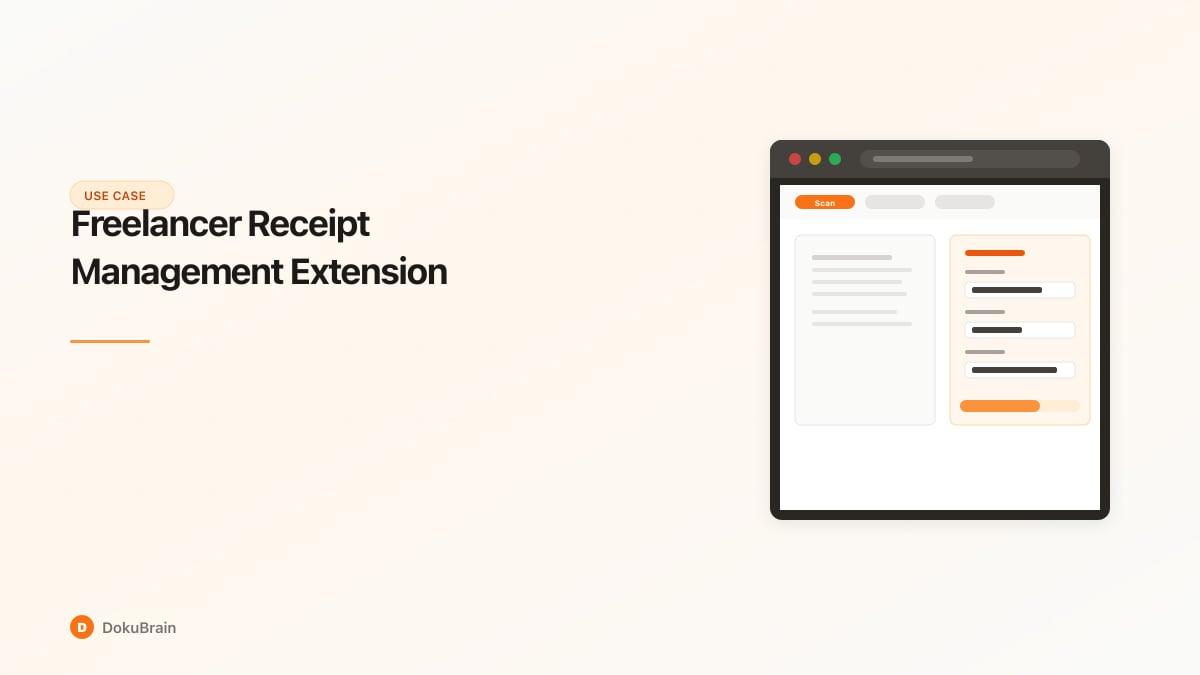
Freelancers use DocuScan AI to capture business receipts from browser tabs, extract expense data, and sync to Xero or Google Sheets. Never miss a tax deduction again.

AI invoice processing at scale: how finance teams automate 1,000+ invoices per day. Real metrics on speed, accuracy, and cost for accounts payable automation.

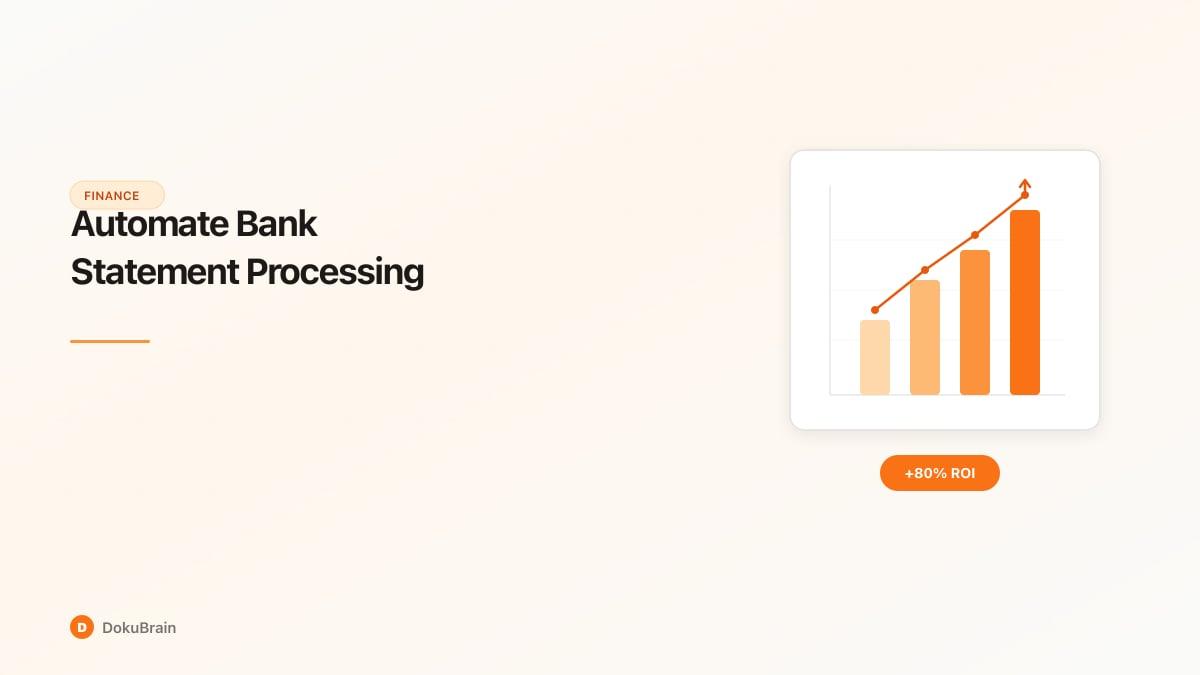
Manually processing bank statements is slow and error-prone. Learn how AI extracts transactions, balances, and account details from bank statements automatically.

Learn how AI-powered invoice processing eliminates manual data entry, reduces errors, and saves accounts payable teams hours every day. Step-by-step guide with real examples.

Tired of manually logging receipts? Learn how AI receipt scanning extracts merchant, amount, date, and category from any receipt — then syncs directly to your expense spreadsheet.
Try DokuBrain free — no credit card required. Process your first document in seconds.
Get Started Free