RAG for Enterprise Documents: How It Works and When to Use It
Learn how retrieval augmented generation (RAG) powers enterprise document AI. RAG for business delivers accurate answers from your doc library without retraining models.
What Is RAG and Why Enterprise Teams Care
Retrieval-Augmented Generation, or RAG, is a technology that lets AI answer questions using your own documents as the source of truth. Instead of relying on an AI model's general knowledge — which can be outdated or wrong for your specific business — RAG retrieves relevant passages from your document library, then generates answers grounded in that content.
Enterprise teams care about RAG because it solves a critical problem: how to get accurate, trustworthy answers from AI when those answers must come from internal documents. A legal team needs to query contracts. A finance team needs to find information across hundreds of reports. HR needs to answer policy questions. RAG makes this possible without retraining models or exposing sensitive data to external training pipelines.
According to Gartner, by 2025, more than 80% of enterprise gen AI applications will use RAG rather than fine-tuned models. The reason is simple: RAG is faster to deploy, cheaper to maintain, and easier to update. When your documents change, RAG automatically incorporates the latest content. No retraining required.
How RAG Works: The Architecture Behind Document Intelligence
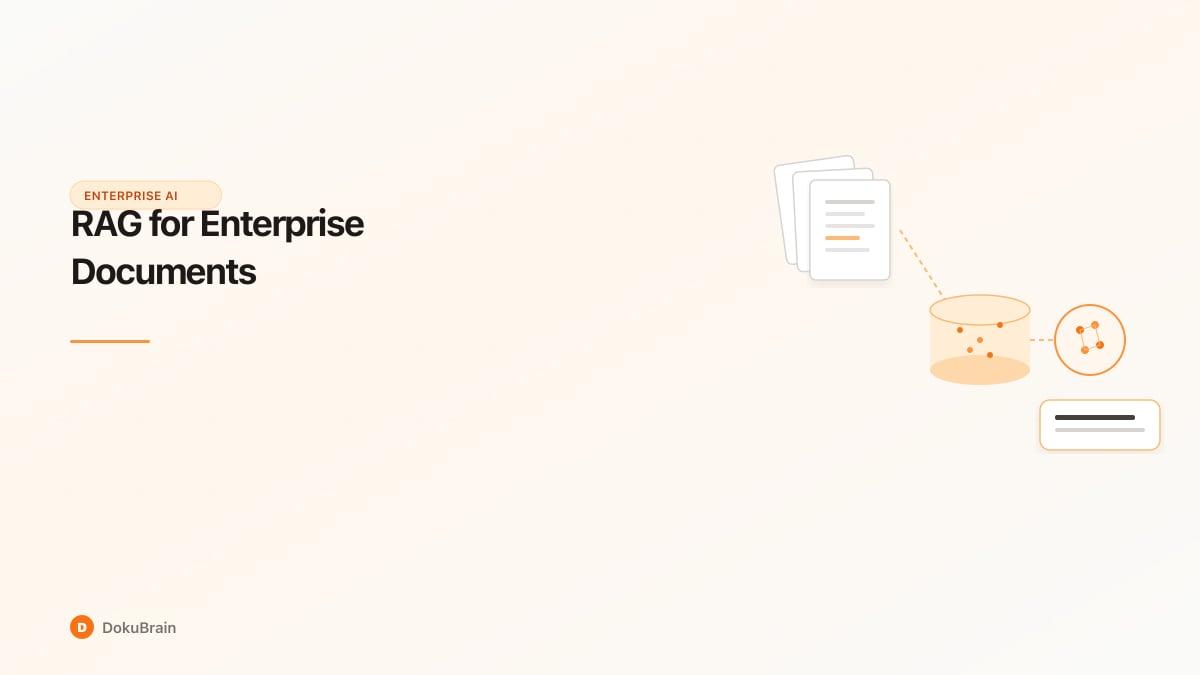
RAG follows a three-stage pipeline. First, your documents are chunked into smaller segments — typically 256 to 512 tokens each — and each chunk is converted into a vector embedding, a numerical representation that captures semantic meaning. These embeddings are stored in a vector database such as Qdrant or Pinecone.
When a user asks a question, that question is also embedded. The system performs a similarity search: it finds the document chunks whose embeddings are closest to the question embedding. This is semantic search — it matches meaning, not just keywords. A query about "payment terms" might retrieve chunks that say "net 30" or "due upon receipt" even if those exact words never appear.
The retrieved chunks are passed to a large language model as context. The model generates an answer using only that context, with citations to the source documents. This grounding reduces hallucinations: the AI cannot invent facts that are not in the retrieved text. Enterprise RAG systems like DokuBrain add hybrid search (combining semantic and keyword search) for better recall, plus quality scoring to flag answers with low grounding or high hallucination risk.
RAG vs Traditional Document Search: Why RAG Wins
Traditional keyword search matches exact or similar terms. You search for "invoice approval" and get documents containing those words. RAG goes further: it understands that "how do I get a vendor bill approved" and "invoice approval workflow" are related, even without shared keywords. RAG returns natural language answers, not just a list of documents.
In enterprise settings, RAG outperforms traditional search in several ways. Users get direct answers instead of skimming through PDFs. Compliance teams can ask "what are our HIPAA requirements for PHI?" and receive a synthesized answer with source citations. Finance teams can query "which contracts have auto-renewal clauses?" and get a clear summary. Studies show RAG-based Q&A reduces time-to-answer by 40-60% compared to manual document review.
RAG also handles ambiguity better. A keyword search for "liability" might return hundreds of results. RAG understands context — "limitation of liability in vendor agreements" — and retrieves the most relevant sections, then distills them into a concise answer.
When to Use RAG for Enterprise Documents (and When Not To)
RAG is ideal when you have a large document corpus, users ask natural language questions, and answers must be grounded in internal content. Use RAG for knowledge bases, policy documents, contract libraries, compliance manuals, technical documentation, and financial reports. It excels when documents change frequently and you need answers to reflect the latest version.
Do not use RAG when answers require real-time external data (stock prices, live metrics) that is not in your documents. RAG also struggles with highly structured tasks like exact calculations or form filling — dedicated extraction tools are better. If your documents are very small (a dozen PDFs) and queries are simple, keyword search may suffice. RAG's value increases with volume and complexity.
Avoid RAG for documents with heavy PII unless you have redaction and access controls in place. Enterprise RAG deployments should include audit logging, role-based access, and PII detection so that retrieved content is appropriate for each user.
Real-World RAG Use Cases: Finance, Legal, HR, and Compliance
Finance teams use RAG to query financial reports, audit narratives, and policy documents. "What was our revenue breakdown by region last quarter?" or "What are our expense approval limits?" — answers come directly from internal documents with citations. One mid-market finance department reduced time spent searching for information in reports by 70% after deploying RAG.
Legal teams use RAG to search across contracts, NDAs, and litigation files. "Which agreements have non-compete clauses?" or "What are the termination notice periods in our vendor contracts?" — RAG surfaces relevant clauses and summarizes them. In-house counsel report 50% faster contract due diligence when RAG is integrated into their workflow.
HR uses RAG for policy Q&A: benefits, leave policies, codes of conduct. Employees ask questions in plain English and get accurate answers from the employee handbook. Compliance teams use RAG to validate that procedures match regulations — querying both policy docs and regulatory text to find gaps. DokuBrain supports all of these use cases with role-based access, audit logs, and hybrid search tuned for enterprise document types.
Getting Started with RAG for Your Document Library
To get started with RAG, you need four components: a document ingestion pipeline, an embedding model, a vector database, and an LLM for generation. Many teams use managed platforms that combine these into a single workflow. DokuBrain, for example, ingests PDFs, DOCX, and other formats, chunks and embeds them automatically, and provides a RAG query API with hybrid search and source citations.
Upload your documents, configure chunking and embedding settings, and define which corpora are searchable. Set up access controls so users only query documents they are allowed to see. Then expose RAG through a chat interface, API, or embedded widget. Start with a pilot corpus — one department's documents or one project — and measure answer quality and user satisfaction before scaling.
Best practices: use hybrid search (semantic + keyword) for better recall on exact terms. Enable grounding scores to catch low-confidence answers. Add feedback loops so users can flag incorrect answers. Plan for document updates — RAG systems should re-index when source documents change.
Quick Start Steps
Ingest your documents
Upload PDFs, DOCX, and other formats to your RAG platform. Documents are chunked and converted into embeddings automatically.
Configure search settings
Choose chunk size, embedding model, and enable hybrid search for better recall. Set up access controls per corpus or project.
Run pilot queries
Ask representative questions and verify answers are accurate and well-grounded. Check citation quality and hallucination rates.
Expose RAG to users
Integrate RAG via chat UI, API, or embeddable widget. Add feedback mechanisms so users can report incorrect answers.
Monitor and iterate
Track query volume, answer quality metrics, and document updates. Re-index when source documents change.
Frequently Asked Questions
What is RAG for enterprise documents?
RAG (Retrieval-Augmented Generation) for enterprise documents is a system that retrieves relevant passages from your document library and uses them to generate accurate, cited answers to natural language questions. It enables AI-powered document intelligence without retraining models.
How does RAG differ from traditional document search?
Traditional search returns a list of matching documents. RAG retrieves relevant chunks, then generates a direct answer in natural language with source citations. RAG understands semantic meaning, not just keywords, and synthesizes information across multiple documents.
When should I use RAG vs fine-tuning?
Use RAG when your knowledge base changes frequently, you have diverse document types, or you want to deploy quickly. Use fine-tuning when you need the model to learn a specific style or perform a narrow, consistent task. RAG is faster to deploy and easier to update.
What document types work best with RAG?
RAG works well with policy documents, contracts, knowledge bases, compliance manuals, financial reports, and technical documentation. Unstructured or semi-structured text (PDFs, Word docs) is ideal. Highly structured data (spreadsheets) may be better handled by dedicated extraction tools.
Is RAG secure for sensitive enterprise documents?
RAG can be secure when deployed with proper controls: role-based access so users only query authorized documents, audit logging for all queries, PII detection and redaction, and on-premise or private-cloud deployment. Choose a platform that supports these enterprise security requirements.
How do I measure RAG answer quality?
Measure grounding (how much of the answer comes from retrieved context), hallucination risk, and user feedback. Many platforms provide confidence scores and citation links. Run pilot queries against known answers and compare RAG output to expected results.
Ready to try it yourself?
Start processing documents with AI in seconds. Free plan available — no credit card required.
Get Started Free