IDP vs OCR: What's the Difference — and Which Does Your Business Actually Need?
IDP and OCR solve different problems. OCR reads text from images. IDP classifies, extracts, and validates structured data. Here's how to pick the right one.
IDP vs OCR: The Quick Answer
OCR has been around since the 1950s. It was revolutionary when it arrived — machines that could read text from paper. But reading text and understanding text are very different things.
OCR reads "$4,320.00" from a scanned invoice. It has no idea that’s the invoice total, that it’s from Acme Corp, or that it’s due in 30 days. It just sees characters on a page.
Intelligent document processing (IDP) picks up where OCR stops. It reads the text, recognizes this is an invoice, extracts the total as a labeled field, validates it against the line items, and pushes the data into your accounting system. One takes a picture. The other does the job.
OCR converts images of text into machine-readable characters. Input: a scanned page. Output: raw text. That’s it. IDP uses OCR as its first step, then adds classification, extraction, validation, and workflow integration. Input: any document. Output: structured, labeled data ready for your business systems.
The difference in plain English: OCR gives you a wall of text. IDP gives you a spreadsheet with the right data in the right columns.
What OCR Does (and Where It Breaks Down)
OCR has one job: turn pixels into characters. A scanned PDF goes in, machine-readable text comes out. Modern OCR achieves 95-99% accuracy on printed text in good conditions — clean scans, standard fonts, well-structured layouts.
That’s genuinely impressive. And for certain use cases, it’s all you need. OCR handles well: digitizing books, journals, and archives. Converting consistently formatted forms where the layout never changes. Simple text extraction when a developer writes custom parsing rules. Making scanned documents searchable.
OCR breaks down when layouts vary. An invoice from Vendor A looks nothing like one from Vendor B. OCR gives you text from both, but it can’t tell you which number is the total and which is the PO number.
It breaks when you need structured data. OCR outputs a blob of text. Turning that into labeled fields requires logic OCR doesn’t provide. It breaks with handwriting — up to 36% of key data gets missed without enhanced parsing. And it breaks with poor quality — faded photocopies, skewed scans, colored backgrounds, and mixed fonts all degrade accuracy.
The core limitation: OCR is literal. It doesn’t understand context. It doesn’t know that "Net 30" next to "Payment Terms" means something different than "Net 30" in a paragraph about fishing.
What IDP Adds to OCR
IDP uses OCR as its foundation — every IDP system starts by reading text from the page. Then it adds four layers OCR can’t provide.
Classification. Before extracting anything, IDP identifies what type of document it’s looking at. Is this an invoice, a contract, a tax form? This matters because the fields you extract from an invoice are completely different from the fields in a contract.
Contextual extraction. This is the big one. IDP doesn’t just read text — it understands which text belongs to which field. When an invoice shows "$4,320.00" next to "Total Due," IDP captures that as a labeled data point: total_amount: 4320.00. OCR just sees the characters. Modern extraction uses machine learning, natural language processing, and computer vision to interpret tables, checkboxes, and spatial relationships.
Validation. Extracted data gets checked before it goes anywhere. Do the line items add up? Is the date reasonable? Is this vendor approved? Fields with low confidence get flagged for human review instead of silently passing through with errors.
Workflow integration. Validated data pushes directly into downstream systems — accounting software, CRMs, databases. Better IDP platforms trigger the next action: route an invoice for approval, flag a contract for legal review, create a record in your ERP.
Side-by-Side Comparison Table
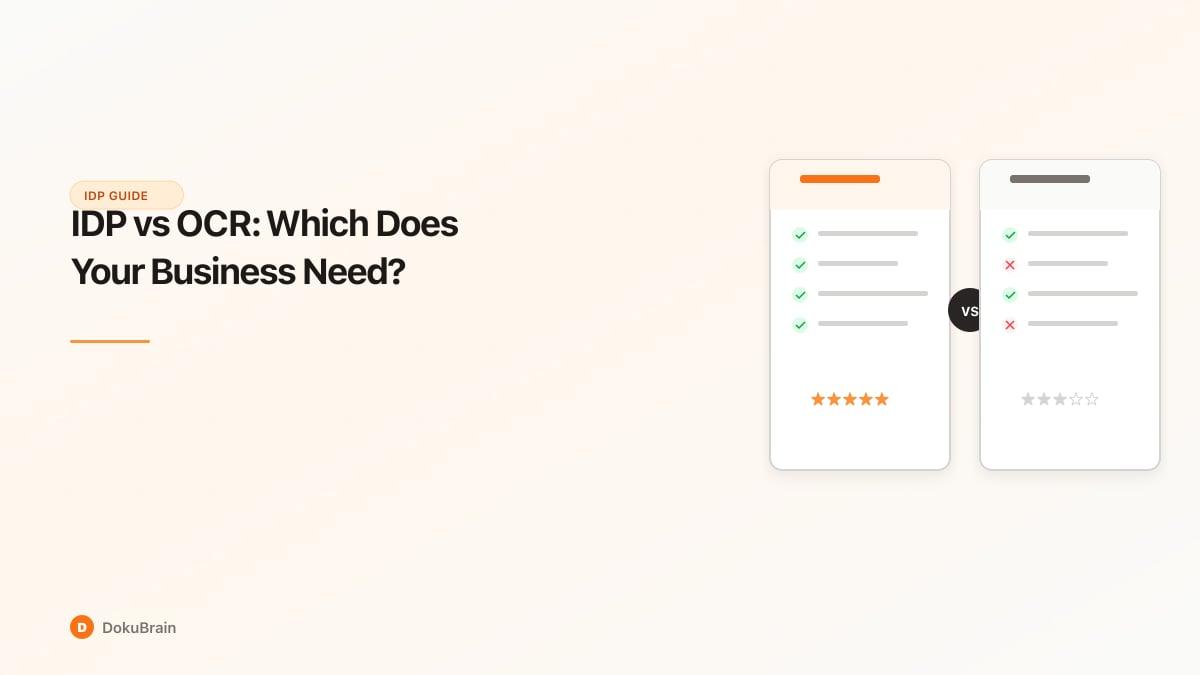
Here’s the clearest way to compare OCR and IDP across key capabilities:
Read text from scanned documents: OCR yes, IDP yes (OCR is built in). Handle varied layouts and formats: OCR limited (breaks on new layouts), IDP yes (ML learns from patterns). Extract specific fields with context: OCR no (gives raw text), IDP yes (gives labeled data). Classify document types: OCR no, IDP yes (16+ types typically). Understand meaning, not just characters: OCR no, IDP yes. Validate extracted data: OCR no, IDP yes (confidence scores plus rules). Trigger downstream workflows: OCR no, IDP yes (in full-stack platforms). Improve accuracy over time: OCR no, IDP yes (ML models adapt). Handle handwriting reliably: OCR poor (36%+ data missed), IDP better (AI visual processing). Cost: OCR low ($0-50/month for basic), IDP medium ($50-500/month for SMB). Setup complexity: OCR low, IDP medium.
When OCR Is Enough
Be honest with yourself here. If OCR solves your problem, it’s the simpler and cheaper choice.
Simple digitization. You have boxes of paper records that need to become searchable digital files. You don’t need structured data — you need text you can search. Libraries, archives, and legal teams doing document preservation use OCR this way.
Consistent, structured forms. Every document has the exact same layout. A specific government form. An internal template. When the format never changes, a developer can write rules to parse OCR output into structured fields. It’s more brittle than IDP, but it works.
Developer-driven workflows. You have a technical team that can build custom parsing on top of OCR. You process one document type. You’ve written the regex, the field mapping, and the error handling. For a single-format use case, this DIY approach can be cost-effective.
Budget constraints with low volume. You process fewer than 20 documents per week and the manual cleanup time after OCR is manageable. Google Drive’s built-in OCR or Adobe’s free tools might be enough.
When You Need IDP
IDP earns its cost when documents are varied, volume is meaningful, and you need data that’s ready to use — not raw text that needs manual cleanup.
Multiple vendors, multiple formats. Your invoices come from 30 different suppliers. Each has a different layout. OCR gives you 30 text blobs. IDP gives you 30 sets of structured data with vendor name, amount, and due date in the right fields every time.
You need structured data, not just text. The goal isn’t "digitize this document." The goal is "get the invoice total into QuickBooks" or "find the termination clause in this contract." That requires extraction, not just reading.
Volume is growing. At 50+ documents per week, the time spent manually parsing OCR output becomes a real cost. IDP processes documents in seconds. Companies report 60-70% reductions in processing time after switching from manual or OCR-only workflows.
Errors matter. OCR with manual parsing produces error rates of 1-5%. IDP reduces that to 0.1-0.5%. If wrong payment amounts, missed dates, or incorrect vendor codes are causing problems, the accuracy improvement pays for itself.
You want workflows, not just data. You don’t just want to extract data — you want it routed for approval, then pushed to your accounting system. IDP platforms with workflow automation close this full loop.
A Third Option: IDP + Document Operations
Here’s what most IDP vs OCR comparisons miss: extraction alone isn’t the end goal. Getting structured data out of a document is step one. What happens next?
Does the data sit in a spreadsheet waiting for someone to act on it? Or does it trigger the next action — an approval, a payment, a filing?
This is what document operations means: the full loop from document arrival to business action. Not just "process this document" but "this invoice arrived, was classified, fields were extracted, data was validated, approval was routed, and the payment was queued in QuickBooks — without a human touching it."
OCR can’t do this. Basic IDP gets you partway there. Full-stack document operations platforms close the entire loop.
The question to ask isn’t just "do I need OCR or IDP?" — it’s "do I need text, data, or automated outcomes?"
Frequently Asked Questions
What is the difference between IDP and OCR?
OCR converts images of text into machine-readable characters — it turns pixels into text. IDP starts with OCR but adds document classification, contextual field extraction, data validation, and workflow triggers. OCR gives you raw text. IDP gives you structured, labeled data ready for your business systems.
Is IDP better than OCR?
IDP is more capable, but "better" depends on your use case. If you need to digitize consistently formatted documents, OCR is simpler and cheaper. If you need structured data from variable formats — invoices from 30 vendors, contracts with different layouts — IDP is the right choice. IDP includes OCR as a component and adds intelligence on top.
Can IDP replace OCR?
IDP includes OCR as its first step, so yes — IDP replaces standalone OCR for most business use cases. You don’t need a separate OCR tool when using an IDP platform. However, if your only need is converting scanned text to digital text, standalone OCR is cheaper and simpler.
When should I use OCR vs IDP?
Use OCR when you have consistently formatted documents, need simple text digitization, or have a developer who can write parsing rules. Use IDP when documents come from multiple sources in varied formats and you need structured data — labeled fields, validated values, and downstream system integration.
What are the limitations of OCR?
OCR produces raw text without structure or context. It cannot classify documents, extract specific fields, validate data, or trigger workflows. It struggles with handwriting (up to 36% of key data missed), complex layouts, poor scan quality, and varied formats. It cannot improve accuracy over time.
Does IDP use OCR?
Yes. OCR is the first layer of the IDP pipeline. IDP uses OCR to convert document images into text, then applies AI classification, contextual extraction, validation, and workflow automation on top.
Ready to try it yourself?
Start processing documents with AI in seconds. Free plan available — no credit card required.
Get Started Free